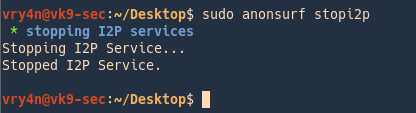
Anonsurf uses TOR iptables to anonymize the whole system. Anonsurf gives users the capability of starting or stopping the I2P project.
https://github.com/Und3rf10w/kali-anonsurf
Installation
1. Download the file from github
- git clone https://github.com/Und3rf10w/kali-anonsurf.git

2. Run installer located in the download folder kali-anonsurf
- sudo bash installer.sh
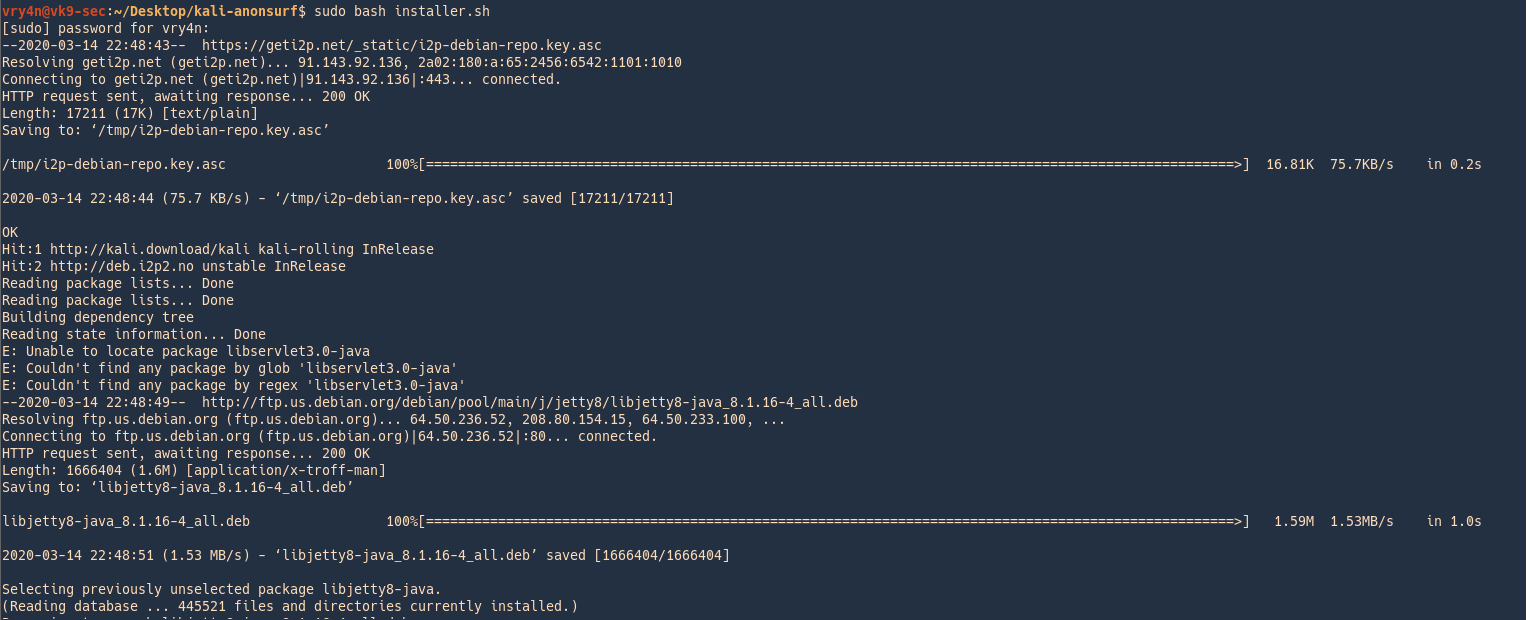
3. Run the application after successful installation
- anonsurf
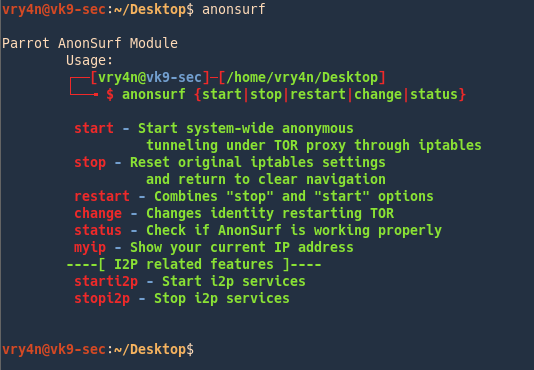
How to use
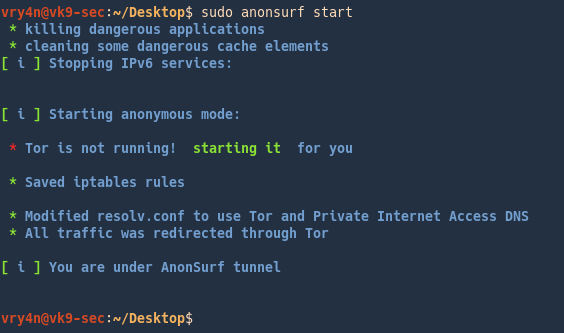
1. Start the program
- sudo anonsurf start
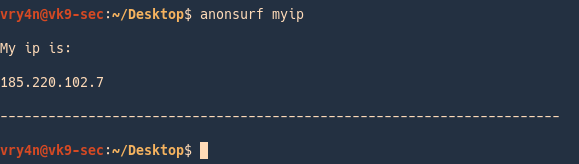
2. Check your IP
- anonsurf myip
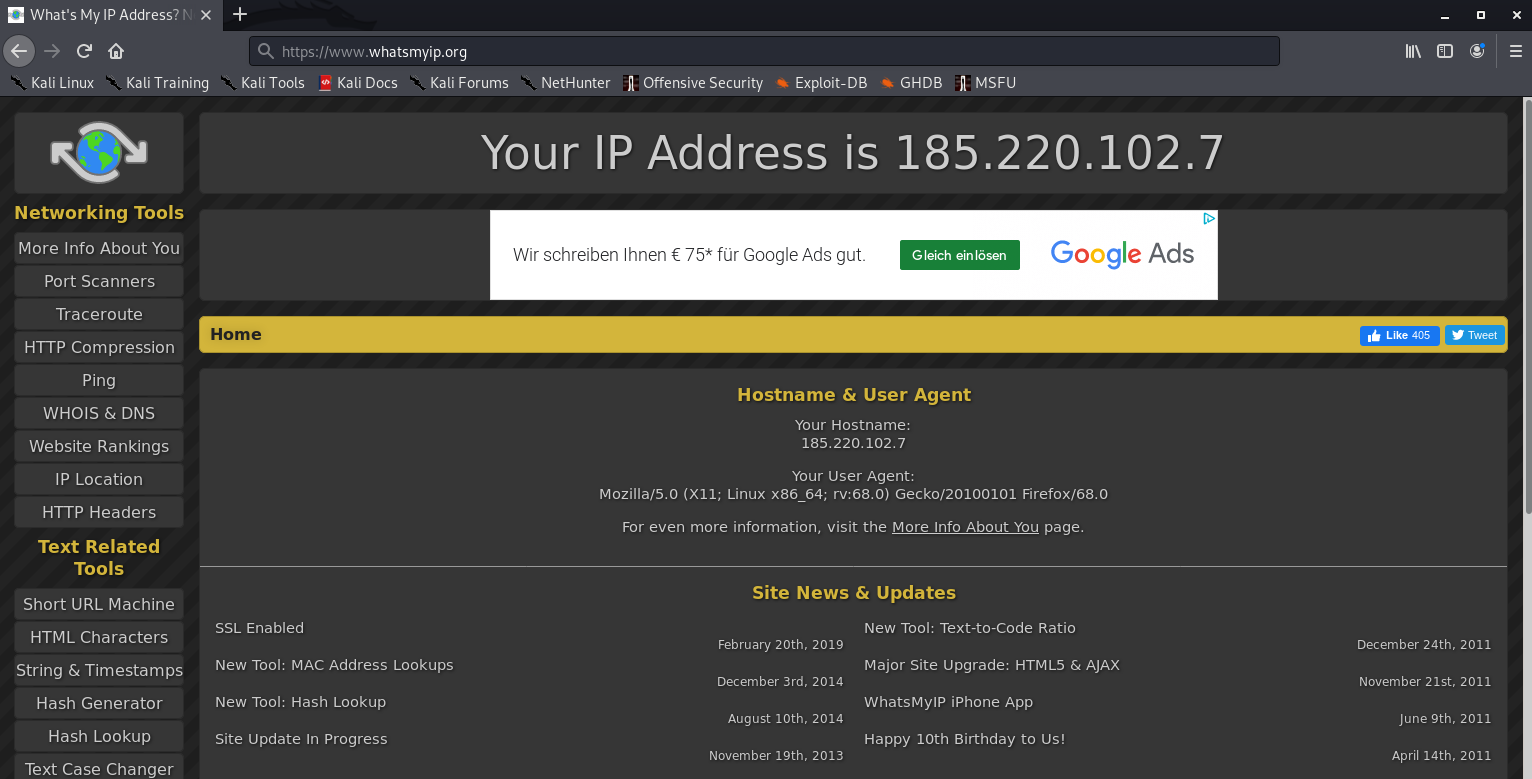
Check your IP on a browser
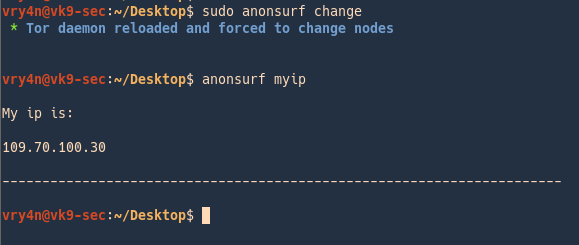
3. Change your IP
- sudo anonsurf change
- anonsurf myip
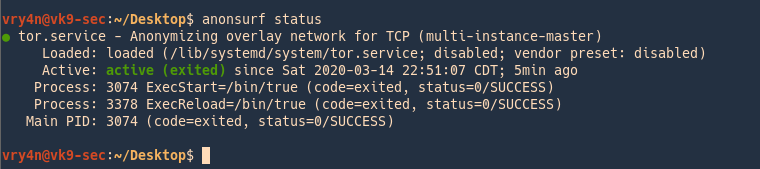
4. Check the service status
- anonsurf status
5. Restart the service (assigns a new IP)
- sudo anonsurf restart

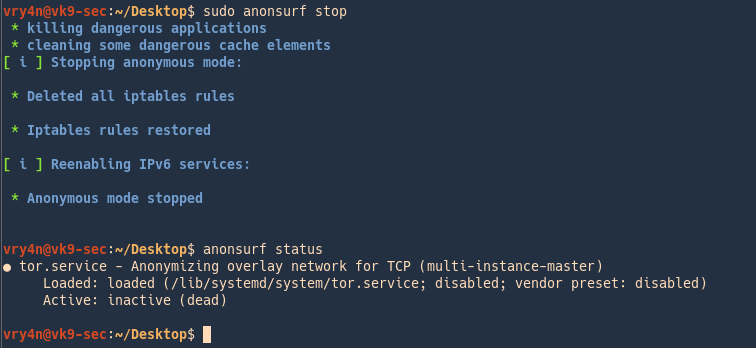
6. Stop the service
- sudo anonsurf stop
- anonsurf status
i2p services
I2P is an anonymous network built on top of the internet. It allows users to create and access content and build online communities on a network that is both distributed and dynamic. It is intended to protect communication and resist monitoring by third parties such as ISPs.
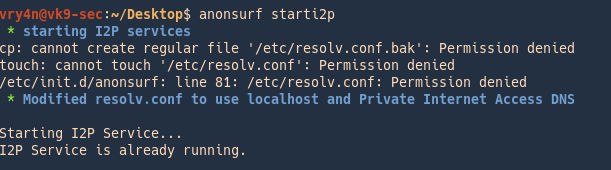
1. Run
- anonsurf starti2p
2. Router console will pop-up
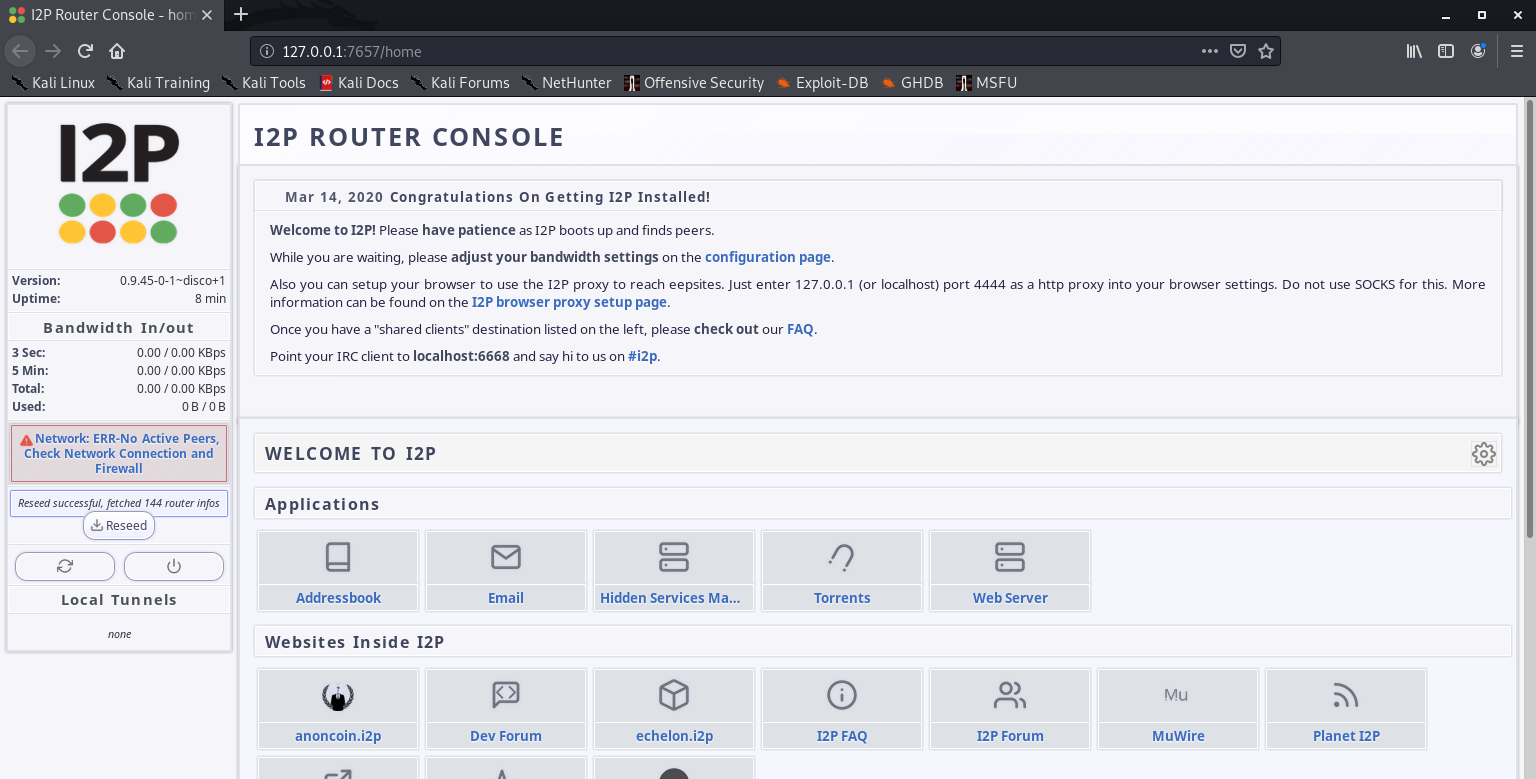
Configuration of this is out of scope of this post.
3. Stop the service
- sudo anonsurf stopi2p